AI strategy & adoption
AI readiness assessment: what it covers and how to run one
An AI readiness assessment ranks the tasks in your business where AI would pay back. Here is what it covers, how to score a task yourself and what to expect.
Deploy AI one narrow task at a time: pick the task, build it into your workflow, keep a person in the loop and check privacy first. Seven steps.

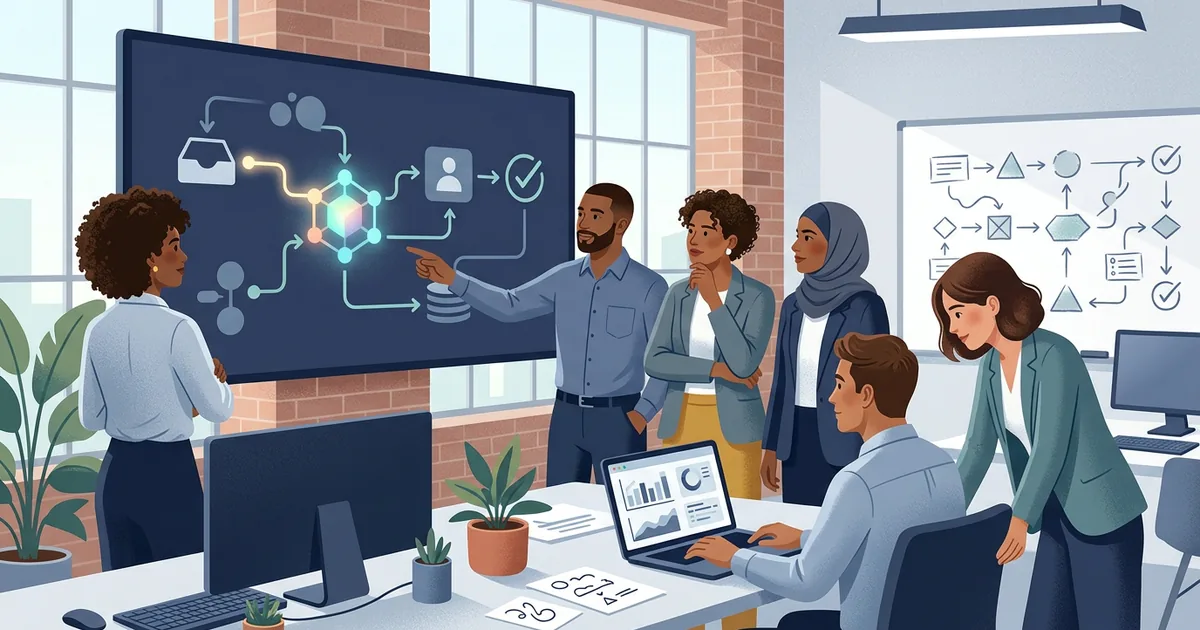
Deploy AI one narrow task at a time. Pick a task whose output can be checked, build the feature into the software your team already uses, keep a person in the loop, log every call, check privacy before go-live, and measure hours saved against running cost before you add the next task. That is the whole method. The rest of this guide is the detail that stops it going wrong.
It is written for Australian businesses that have decided a task is worth automating. If you are still deciding which one, start with the guide to the AI readiness assessment.
The OAIC’s guidance on commercially available AI products is the starting point for any Australian deployment. The Office of the Australian Information Commissioner first published it on 21 October 2024 and updated it on 17 January 2025. Its main points for a business:
From 10 December 2026, new rules on automated decision-making take effect under the Privacy Act. Organisations covered by the Act that use personal information in a computer program that makes, or substantially and directly contributes to, a decision that could significantly affect someone’s rights or interests will need to describe this in their privacy policy. The OAIC has been consulting on guidance for the new transparency requirement.
Many small businesses with an annual turnover of $3 million or less are outside the Privacy Act today, unless they provide health services or trade in personal information. That exemption has been proposed for removal, and customers expect care either way. Check your position with the OAIC or a lawyer. This guide is not legal advice.
The National AI Centre’s Guidance for AI Adoption sets out six practices for responsible AI use. It was published on 21 October 2025 and condenses the earlier ten Voluntary AI Safety Standard guardrails into six. A Foundations version is aimed at organisations starting out or using AI in low-risk ways. Here is how each practice reads for a small deployment. The right-hand column is our interpretation, not the Centre’s wording.
| Practice | What it looks like for a small build |
|---|---|
| Decide who is accountable | One named person owns the feature and signs off changes |
| Understand impacts and plan accordingly | A short note on who the output affects and what a wrong answer costs |
| Measure and manage risks | A list of what could go wrong, with a check for each |
| Share essential information | Staff and customers know when AI is involved |
| Test and monitor | Test on real examples before launch, then watch override rates |
| Maintain human control | A person can review, correct and switch the feature off |
Payback is hours saved times the cost of an hour, less what it costs to run. If a task takes 20 hours a month and an hour costs $60, the saving is $1,200 a month before running cost. This is an illustration, not a quote. Running cost has three parts: model usage, which grows with volume, hosting, and the time spent monitoring and tuning. We estimate all three up front, and an optional monthly retainer covers the tuning and the next workflow.
Buy a product when one does the job. Build when the task is specific to you. Often the best answer is a mix: use a product for the standard parts and build a small feature that connects to your own systems. The same trade-offs apply as with any software, covered in bespoke vs off-the-shelf.
The assessment is free. Builds typically land between $5k and $100k+, depending on size, complexity and deliverables. A first, narrow feature is roughly $5k to $10k, a medium build with several features or search across your own documents $10k to $30k, and a large build with custom retrieval and monitoring $30k to $100k+. All are quoted at a fixed price before we start, and larger work begins with a fixed-price Discovery. Start with the free AI assessment, or see the full ranges.
Start with one task that repeats, takes real staff time and has output a person or rule can check. Build it into the software your team already uses, keep a person in the loop, log every call and check privacy before go-live. Measure the result before adding anything else.
The OAIC's best-practice recommendation is not to enter personal information, and particularly sensitive information, into publicly available generative AI tools. If personal information does go in, the Australian Privacy Principles apply, so write a policy and train staff.
Yes, a short one. The OAIC recommends policies and procedures for AI use, and the National AI Centre's guidance starts with deciding who is accountable. One page covering who approves a use, what data is allowed and who reviews the output is enough to begin.
Builds land roughly between $5k and $100k+, depending on size, complexity and deliverables. A first, narrow feature is about $5k to $10k at a fixed price. Running cost depends on volume and the model, and we estimate it up front.
Want a fixed price for your project?Start with a fixed-price Discovery: a written scope and a firm quote before you commit to a build.
Book a discovery call →An AI readiness assessment ranks the tasks in your business where AI would pay back. Here is what it covers, how to score a task yourself and what to expect.
Bespoke or off-the-shelf software? Here is how to decide, what each costs over time, and when a mix of both is the better answer.
What to look for in a Brisbane custom software developer: onshore delivery, fixed pricing, code ownership and the questions to ask before you sign.